

























































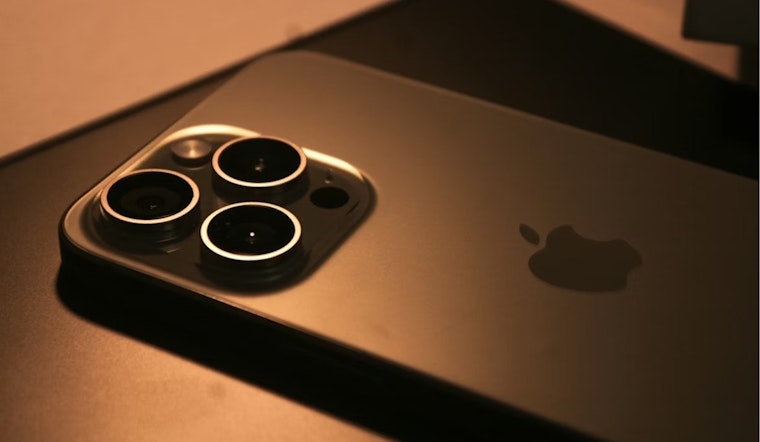
Apple is telling iPhone users to stop putting off software updates and install its latest release, iOS 26.5, as soon as possible after it went live yesterday. The company followed the rollout with unusually blunt warnings for devices still running older software and said the new build plugs serious weaknesses that could be abused. Security officials add that some of the flaws can be triggered just by visiting malicious websites, without any downloads or app installs.
What Apple patched
In its security notes for iOS 26.5, Apple lists more than 50 fixes across iPhone, iPad, and macOS components, including kernel privilege‑escalation bugs, media‑processing flaws, and other issues that could allow remote code execution or data disclosure, according to Apple Support. The document also lays out CVE identifiers and researcher acknowledgments for each individual patch.
Official advisories
The Canadian Centre for Cyber Security published an advisory on May 11 confirming Apple's security release and urging users and administrators to install the updates. It also points to supplemental patches for older systems that cannot run iOS 26, according to the Canadian Centre for Cyber Security. The bulletin directs readers to Apple's security releases page for full technical details.
More than messaging
iOS 26.5 arrives with a headline feature in tow: end‑to‑end encrypted RCS messaging with compatible Android carriers. MacRumors highlighted the feature list while noting that the release's real urgency is security, with the 50‑plus fixes as the practical reason to install it now, per MacRumors.
What local viewers are being told
On TV, the message has been even more direct. A CBS News Chicago segment ran Apple's stark line — "Apple is warning all iPhone users to update their devices to the latest iOS as soon as possible to keep their devices safe" — then walked viewers through how to check for and install the update, according to CBS News Chicago. That how‑to focus mirrors broader advisories and is meant to make the process feel manageable for less technical users.
How to update
To install the patch directly on your phone, open Settings > General > Software Update and tap Download and Install, or update through a Mac or Windows PC if you prefer, per Apple Support. If your iPhone cannot run iOS 26, Apple has released supplemental security updates — including iOS 18.7.9, 16.7.16 and 15.8.8 — that the public advisory says should be applied wherever they are available.
Why it matters
Security researchers and government agencies routinely warn that once vulnerabilities are publicly documented, attackers move quickly to weaponize them, so installing patches promptly cuts risk in a very real way. Coverage of iOS 26.5 makes the same point: putting this update on your device closes a long list of potential attack paths that would otherwise stay open, per Ars Technica.